

Learn Electronics by
Building Real Circuits

Create circuits, run code, and see how electronics works.

trusted by EDUCATORS AT

From zero to working circuit
in four steps

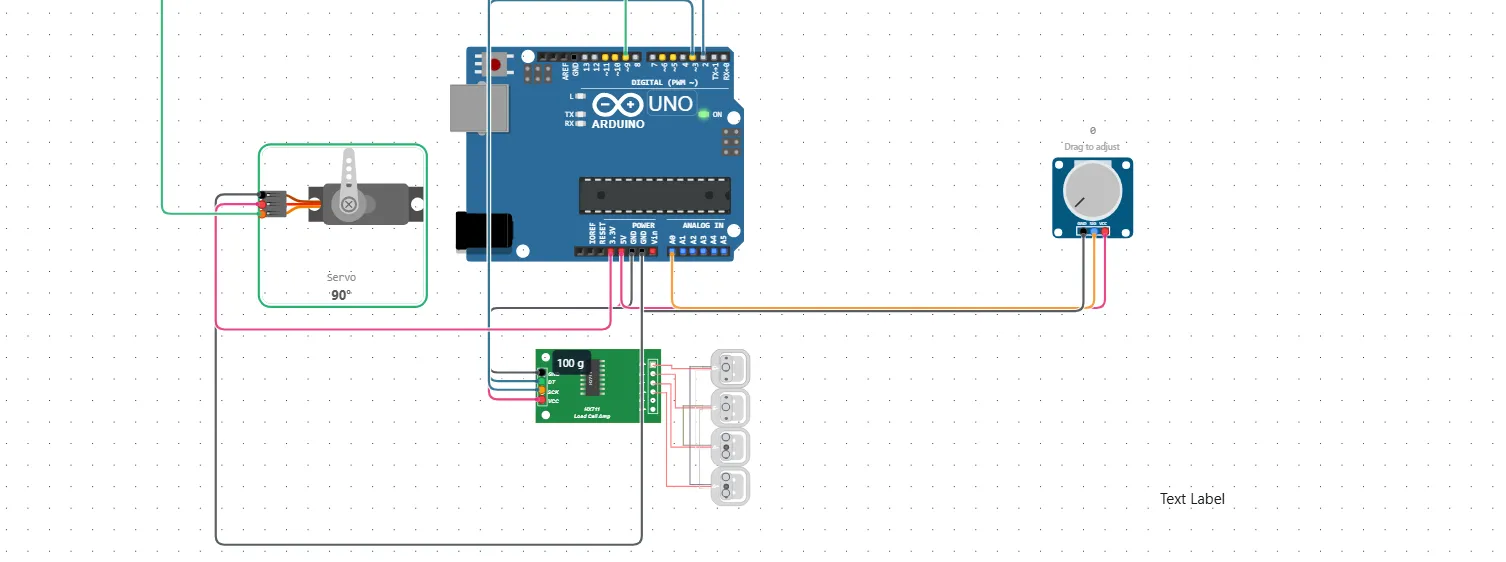
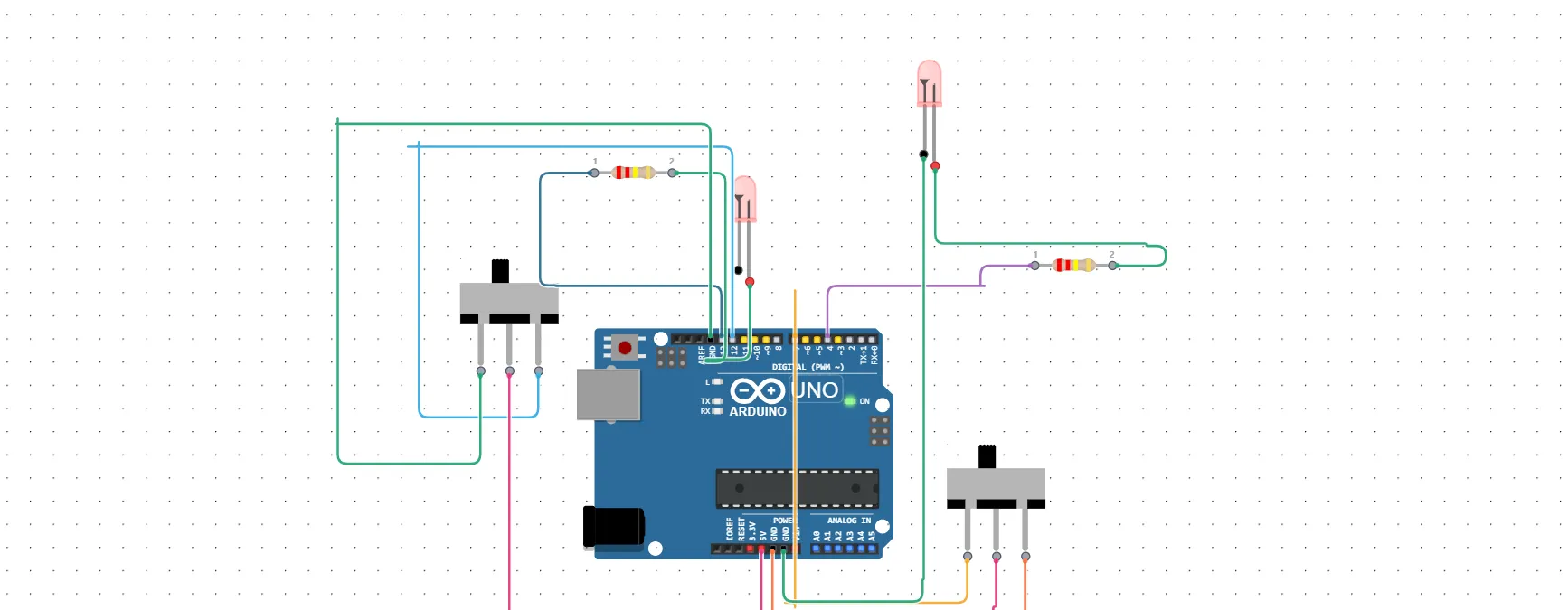
Drag components and connect them in seconds. No soldering, no mess, just click, drag, and learn.

Explore Ayantrik

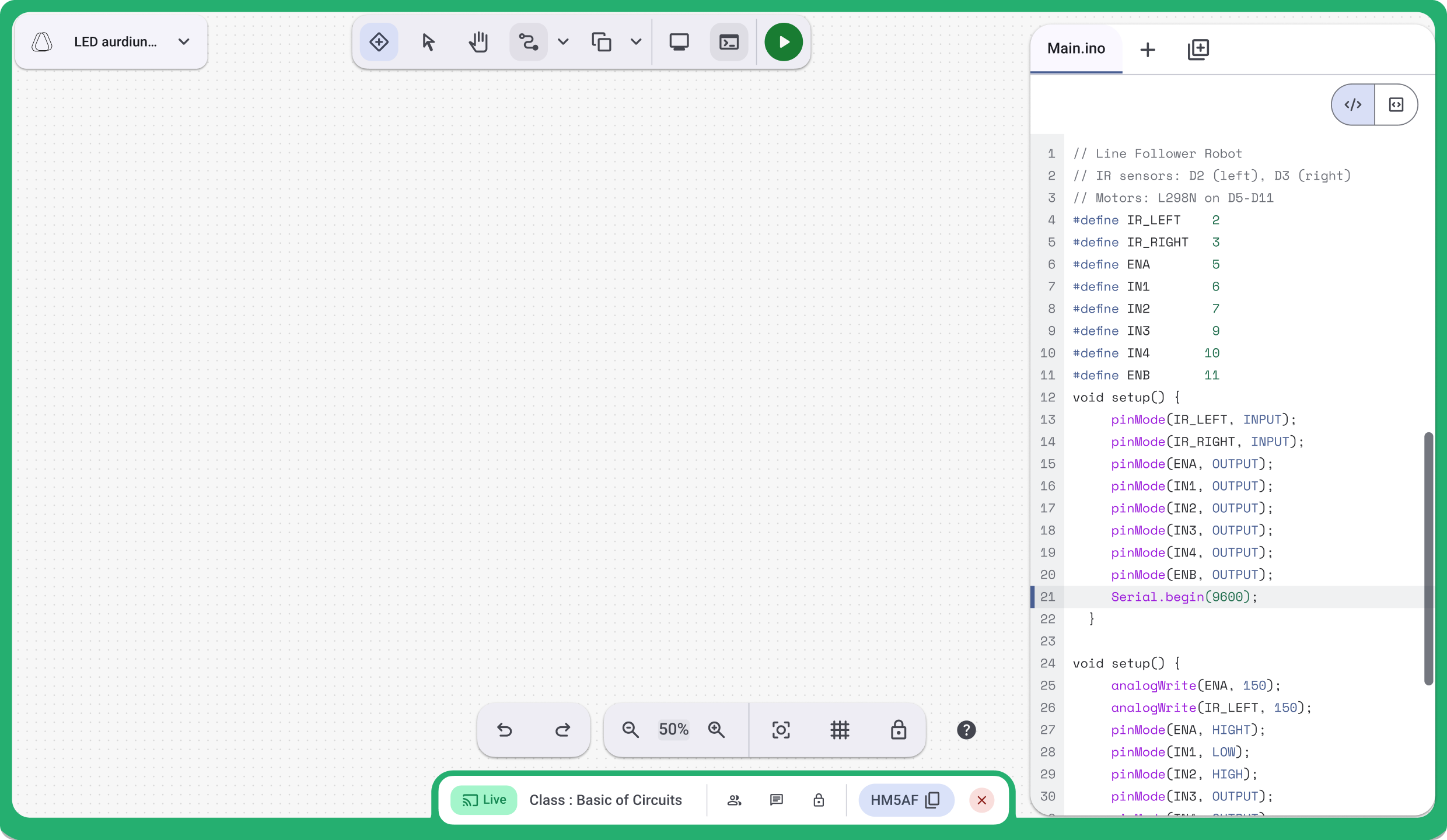
Prompt your idea
to Circuit

Build a game where the Arduino flashes a|

Ayantrik lets you Create circuits, run code, and see how electronics works.

Drag components and connect them in seconds. No soldering, no mess, just click, drag, and learn.

Explore Ayantrik

Learn one circuit
at a time

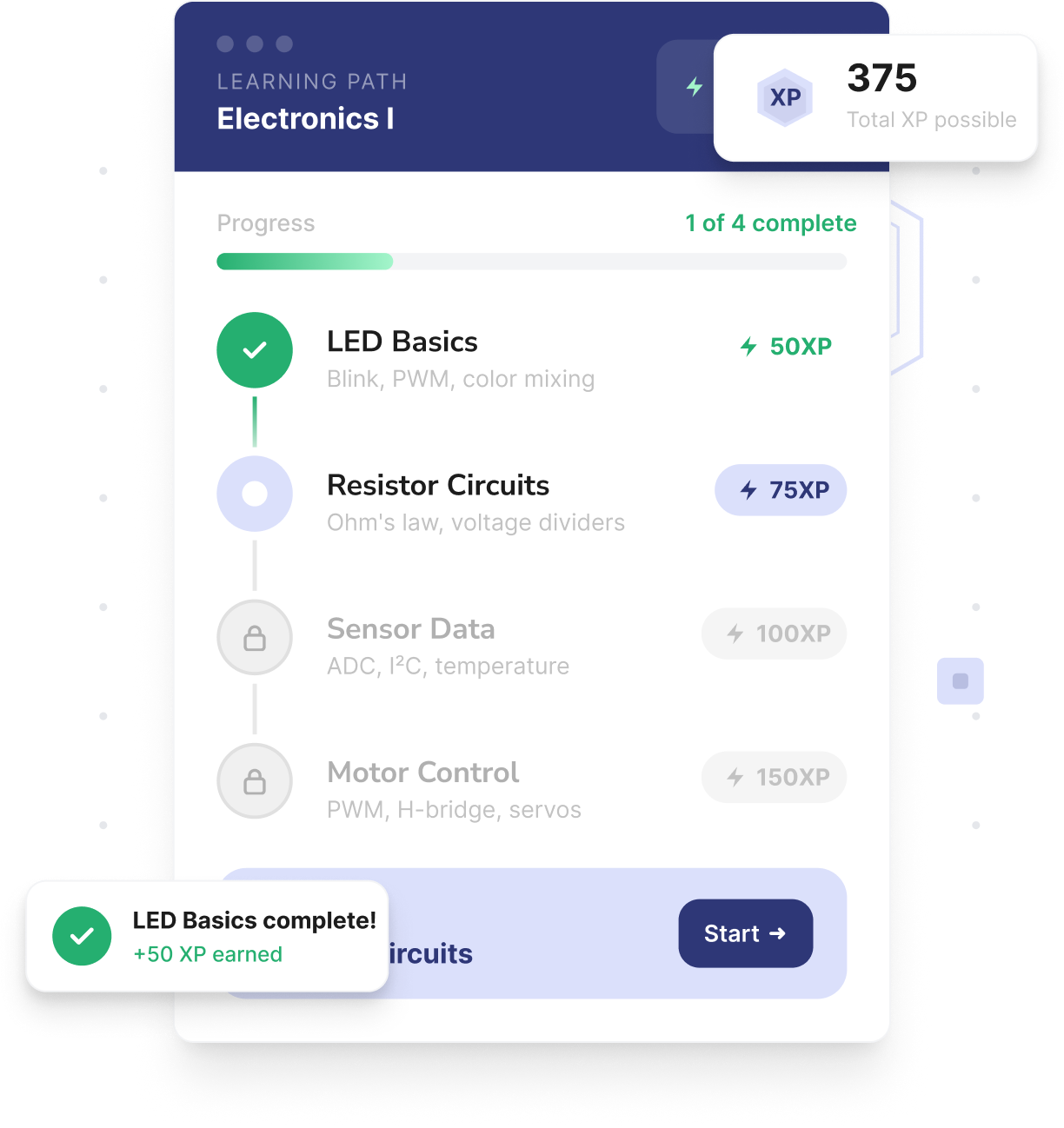
Projects guide you from beginner to advanced systems. Earn XP, unlock new challenges, and track your progress.

View learning paths
Learning path showing XP and completed LED basics

Test supported circuits
before using hardware

Model supported boards and components in the browser.
Always validate electrical limits and timing on physical hardware before deployment.

Ayantrik Virtual Circuit
Real Circuit

Works with the boards you use

From Arduino to ESP32 - simulate the hardware
your curriculum already uses.

Share. Fork. Remix.

Share your circuits with others. Fork what inspires you.
Remix it into something new. All inside our community.

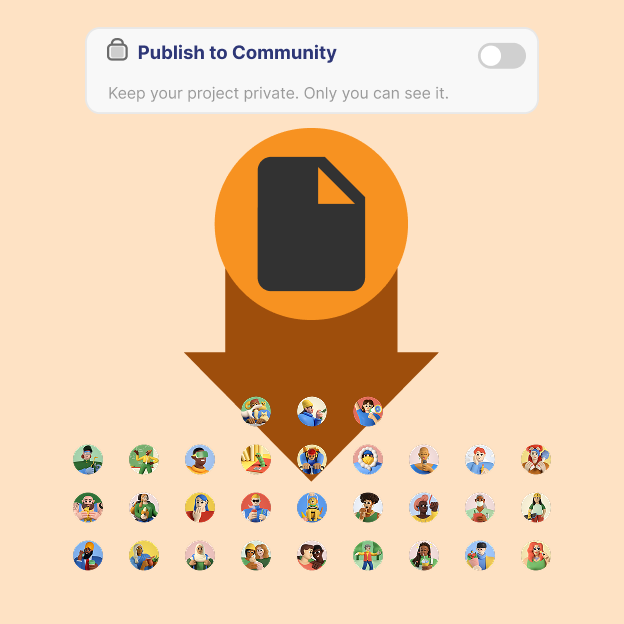
Publish

Publish

Share your circuits with the world in one click

Explore published projects
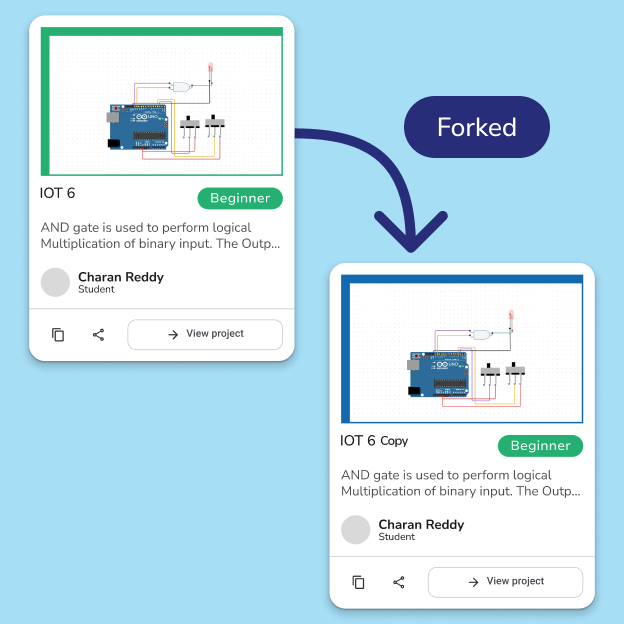
Fork

Fork

Clone any project, tweak it, and make it yours

Make your fork project
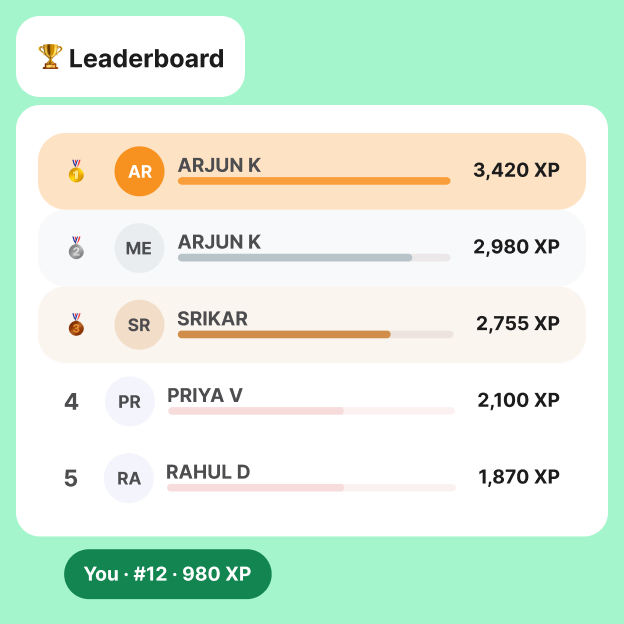
Leader board

Leader board

Earn XP, collect badges, and climb the rankings

Enter Leaderboard

Get inspired by
what others are building

Learn together in real time

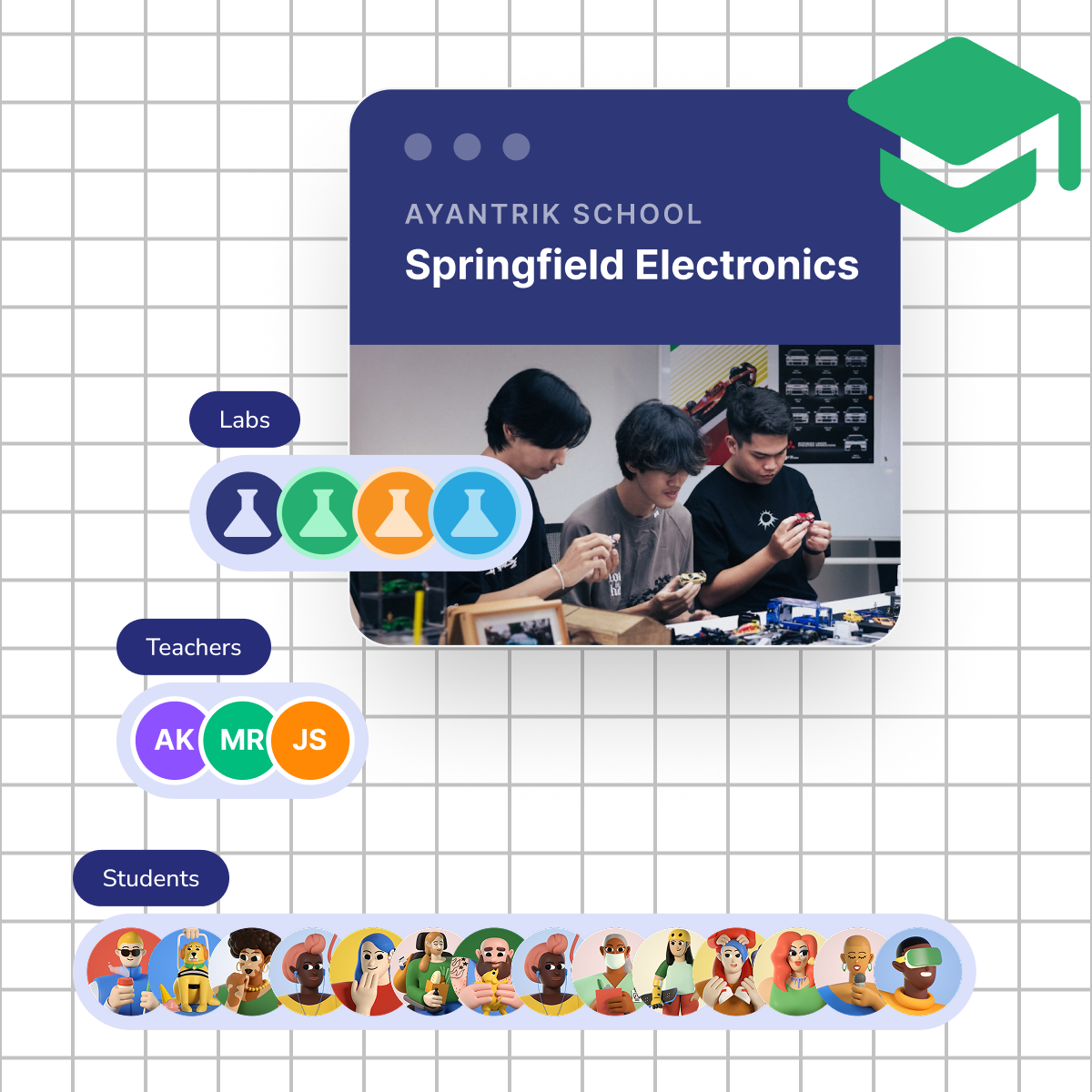
Teachers run labs while students build circuits live.
Monitor progress, help those who are stuck, and celebrate success.

See All Projects
Classroom Live Features

AYANTRIK for ORGANIZATIONS

Set up your school
in easy steps

Explore organization, classroom, and learning workflows.
Confirm plan access and rollout requirements before adoption.

Explore Organizations
Ayantrik for Organizations

EDUCATOR STATEMENTS

The live classroom feature is a game-changer. I can demonstrate circuits and my students follow along on their own devices in real-time.

Tharun

Mentor

Keep learning between builds

Guides and deep dives on circuits, Arduino, and
the concepts behind every project.

4 / 6

Top 5 Free Online Arduino Simulators in 2026 (Test Circuits & Code Without Hardware)

Project

September 14, 2026

6 Min

By Nalini Vijayakumar

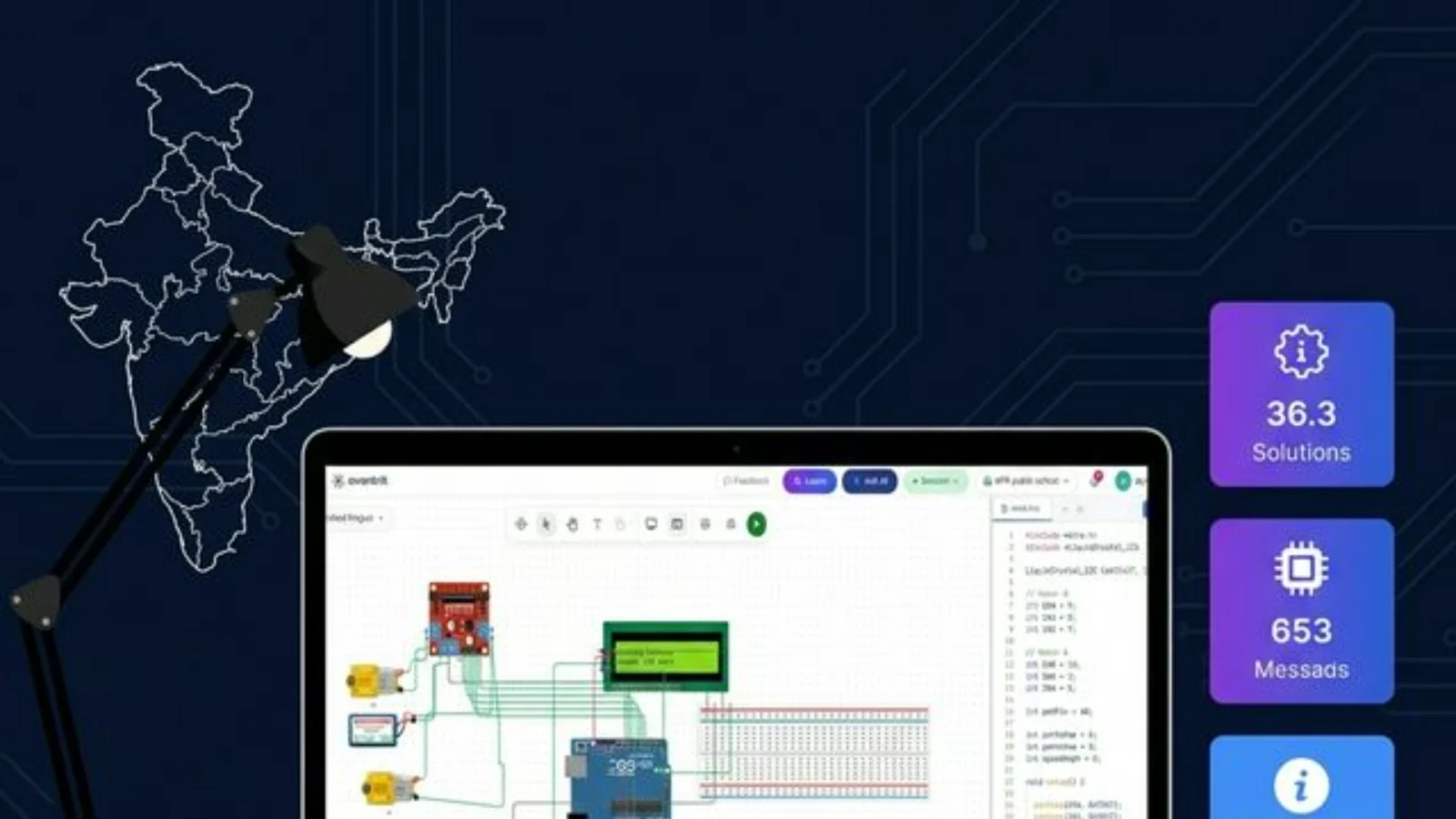
Looking for a free online Arduino simulator? Compare the top tools to wire breadboards, test sensors like HC-SR04 and SG90 servos, and debug embedded code directly in your browser without spending money on physical hardware.
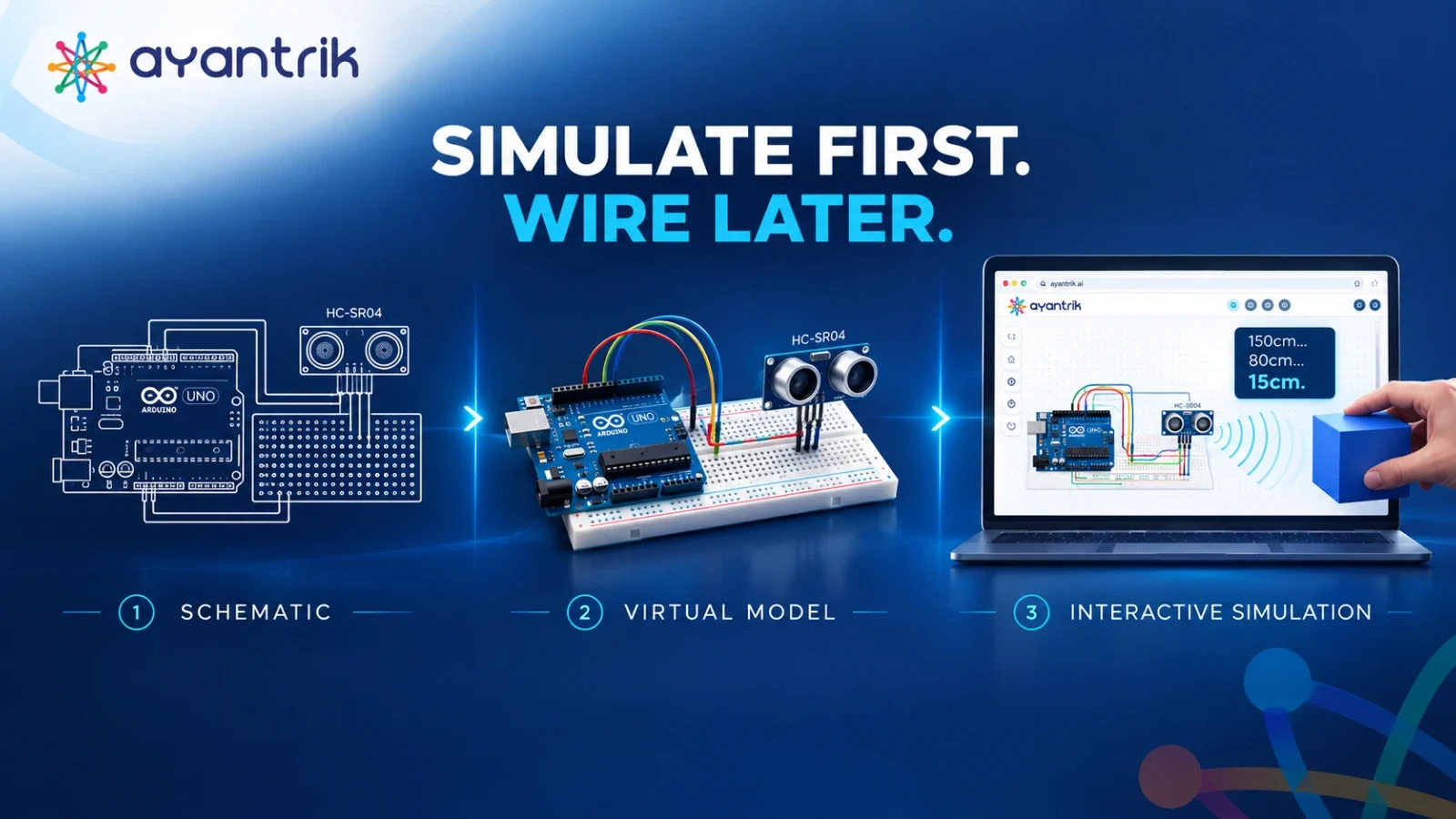
How to Interface an HC-SR04 Ultrasonic Sensor with Arduino Uno (Circuit Diagram, Code & Virtual Testing)

How to Interface an HC-SR04 Ultrasonic Sensor with Arduino Uno (Circuit Diagram, Code & Virtual Testing)

Project

September 10, 2026

5 Min

By Nalini Vijayakumar

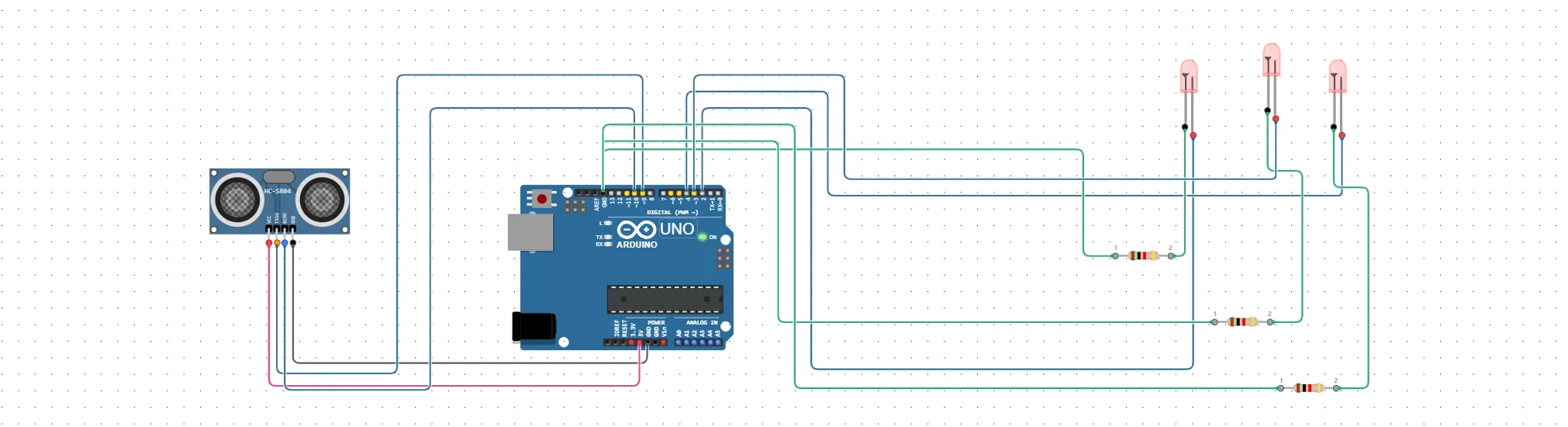
Learn how to interface the HC-SR04 ultrasonic distance sensor with an Arduino Uno without frying pins or debugging faulty breadboard jumpers. This guide covers the pinout, step-by-step wiring diagram, non-blocking C++ code, and how to simulate the complete circuit live in your browser before buying hardware.

How to Teach Electronics Remotely — A Guide for Indian Teachers

How to Teach Electronics Remotely — A Guide for Indian Teachers

Project

June 3, 2026

7 Min

By Nalini Vijayakumar

Remote electronics teaching doesn't mean a watered-down curriculum. Discover how Indian teachers are using browser-based virtual labs to run richer experiments, eliminate hardware failures, and assess students more rigorously — without a single physical component.

How to Build a MINIKAME Open-Source Quadruped from Scratch in Ayantrik Virtual Labs

How to Build a MINIKAME Open-Source Quadruped from Scratch in Ayantrik Virtual Labs

Project

May 26, 2026

11 Min

By Nalini Vijayakumar

Building legged robots introduces massive physical hurdles like servo current spikes and calibration delays. Learn how to design, wire, and program an 8-DOF MiniKame quadruped from scratch inside Ayantrik’s safe virtual physics sandbox before flashing code to real hardware

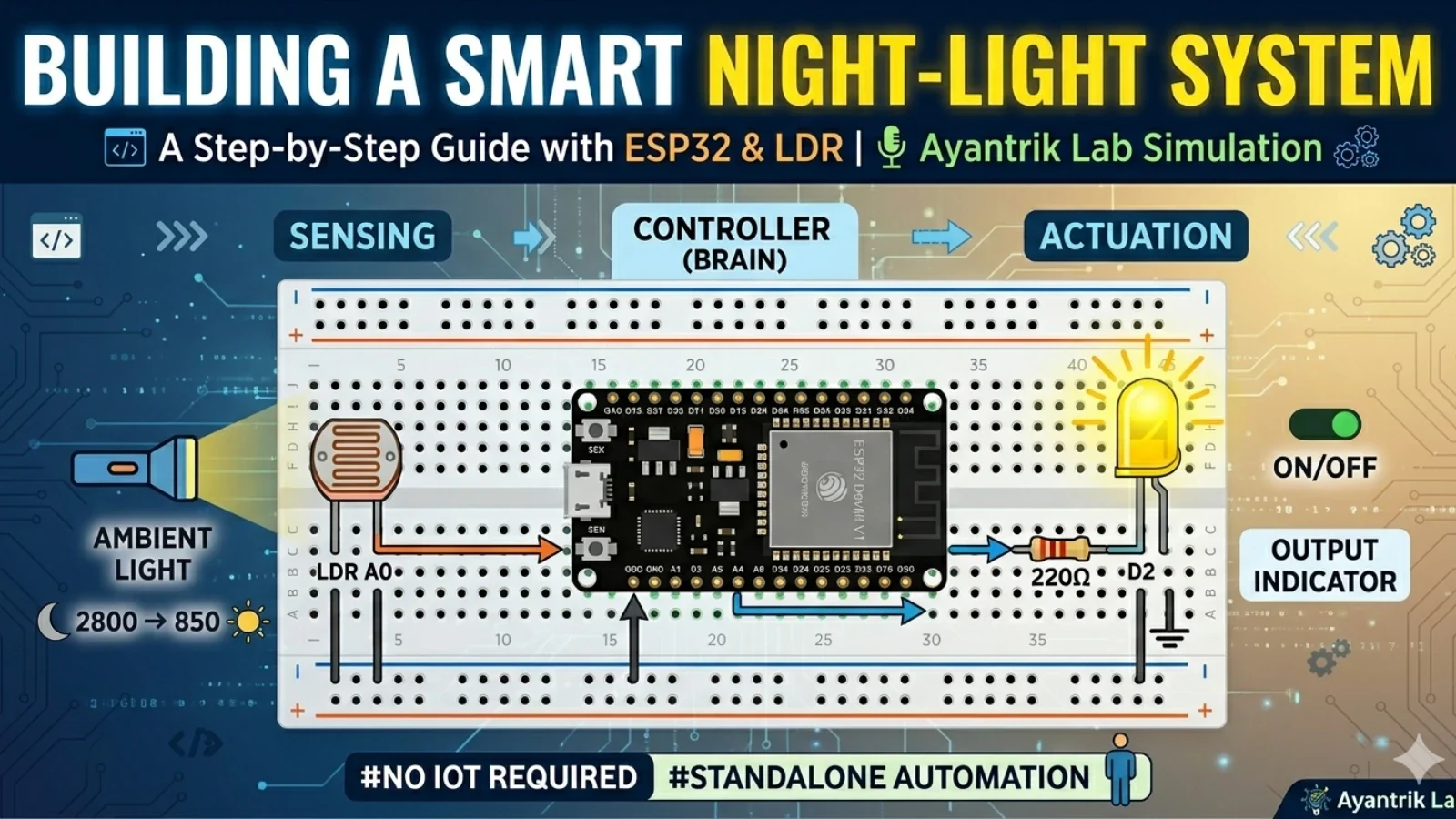
Smart Night-Light System using ESP32 Devkit V1

Smart Night-Light System using ESP32 Devkit V1

Project

May 17, 2026

4 Min

By Shrisha Jadhav

Discover how smart home appliances sense the world around them. This step-by-step tutorial walks you through wiring and coding an autonomous night-light system inside Ayantrik Lab, complete with circuit guides and logic breakdowns.

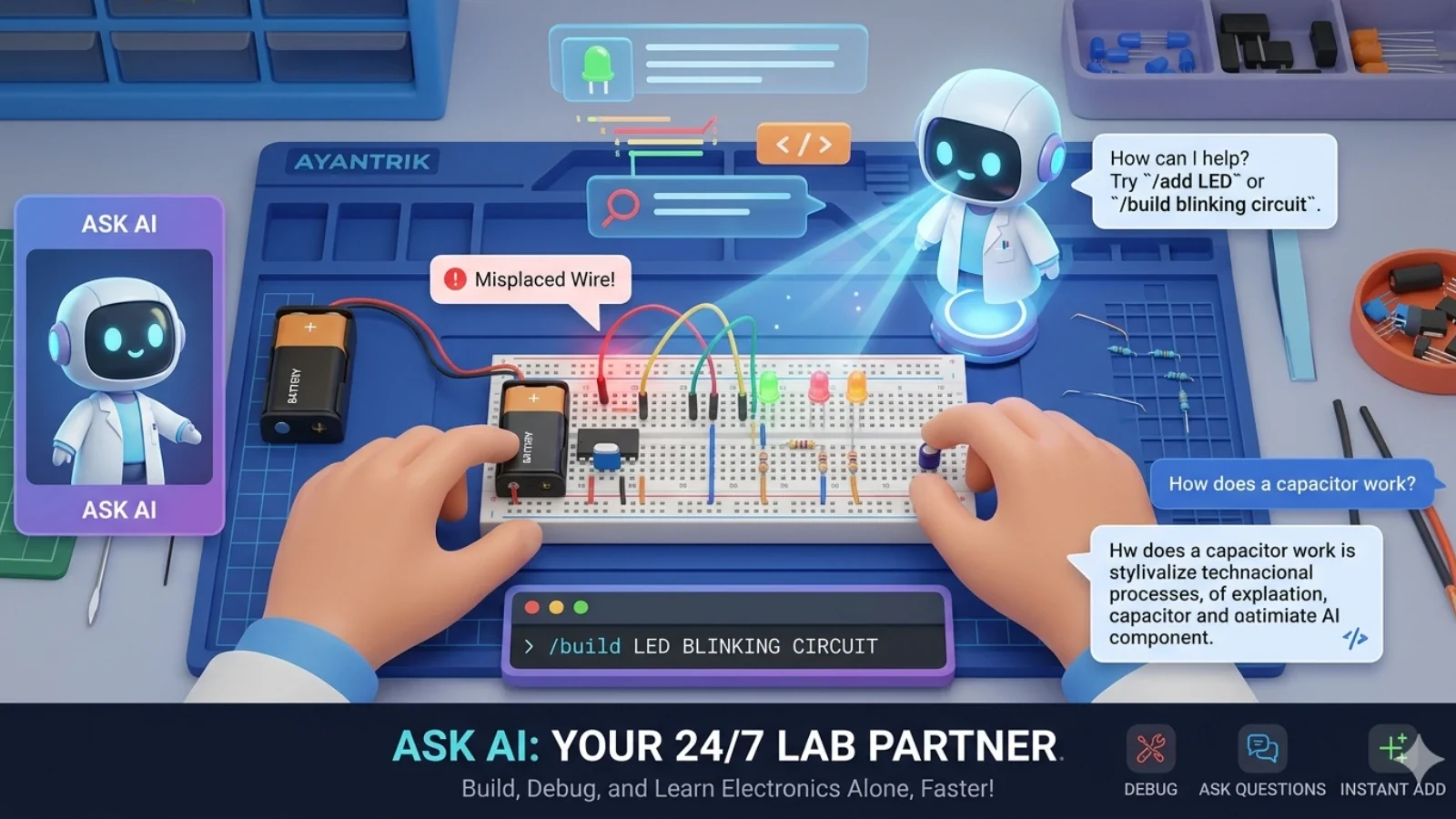
Your New 24/7 Lab Partner: Meet Ask AI

Your New 24/7 Lab Partner: Meet Ask AI

Project

May 16, 2026

3 Min

By Shrisha Jadhav

No more raised hands, no more hidden errors. Take total control of your electronics projects with Ask AI, the personal lab assistant inside Ayantrik that never gets tired.

Plans for every learner

Start free, upgrade when you're ready.
Prices and limits are managed from Ayantrik tiers.

Prices in INR. Annual saves up to 20%.

Free

Freeforever

Get Started

Choose Free if you:

A practical starting point for exploring circuits and lessons.

Key features:

3 projects

1 course

Learner

₹199per month

Start Learning

Choose Learner if you:

For students building personal projects and guided experiments.

Key features:

10 projects

5 courses

Maker

₹499per month

Go Pro

Choose Maker if you:

For advanced prototyping, private work, and AI-assisted workflows.

Key features:

Unlimited projects

All courses included

Got questions?

You can build and test supported circuits in the browser without hardware. A physical prototype is still required to validate real-world electrical limits, tolerances, and timing.
Ayantrik is a browser-based application. For the best experience, use a current desktop version of a major browser; feature support can vary by browser and device.
You can edit and retain project code. Export options depend on the workspace and plan; Lab-wide production schematic export is not yet available.
A desktop or laptop is recommended for building and debugging circuits. Mobile support is limited and should not be relied on for the full Lab workflow.
Limits and included features are shown on the pricing page and are loaded from the active plan catalogue. Check that page before purchasing because plans may change.
Project visibility follows the sharing and organization controls shown in the product. See the Privacy Policy for how account and project data is handled; do not store secrets in circuit projects.
Cancellation and downgrade options depend on the active subscription and billing provider. Review the account billing screen and Refund Policy before purchasing.
Institutional plans and pilots are handled through the demo and sales process. Any discount or custom term must be confirmed in writing.
Start Building Now