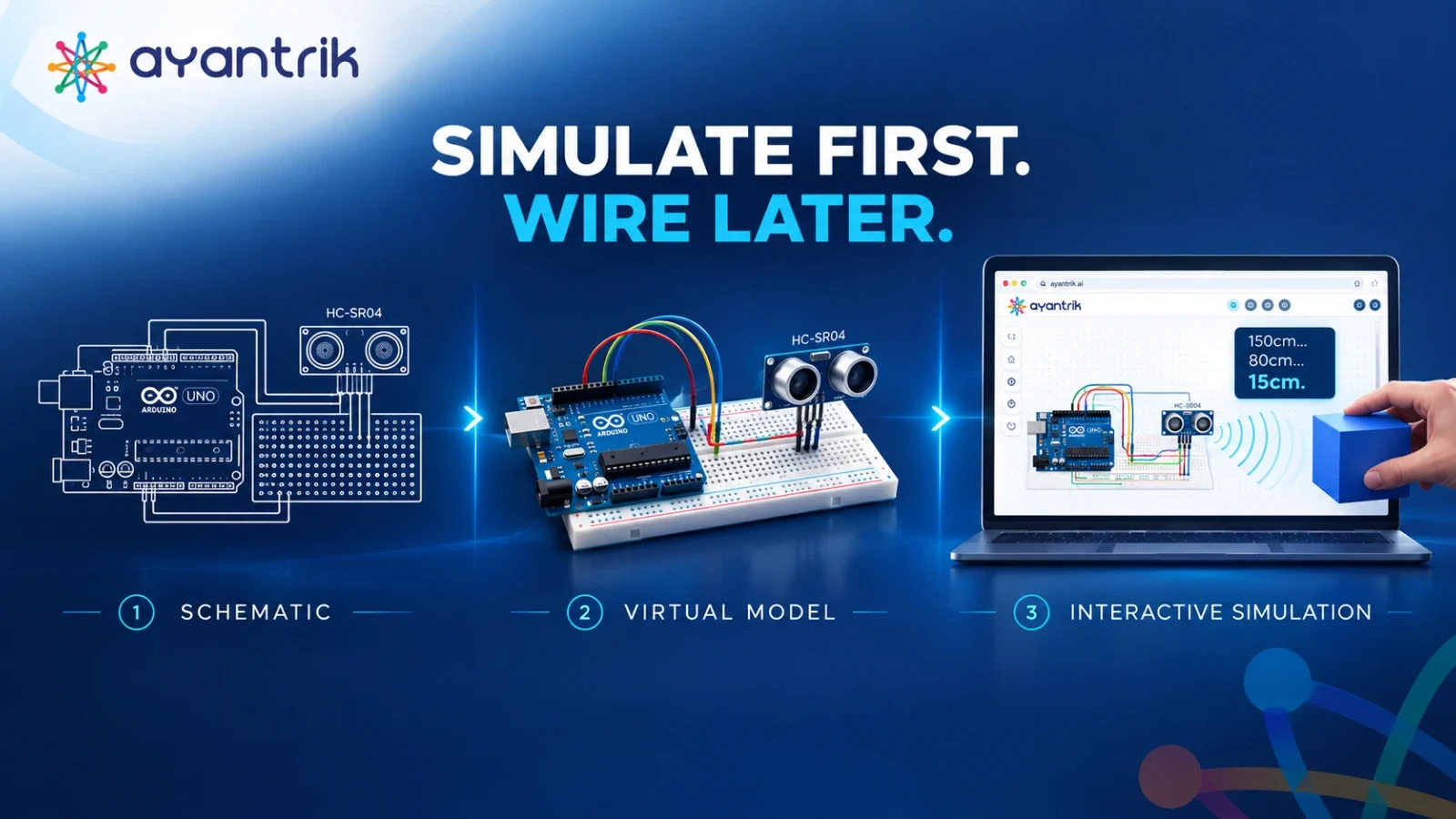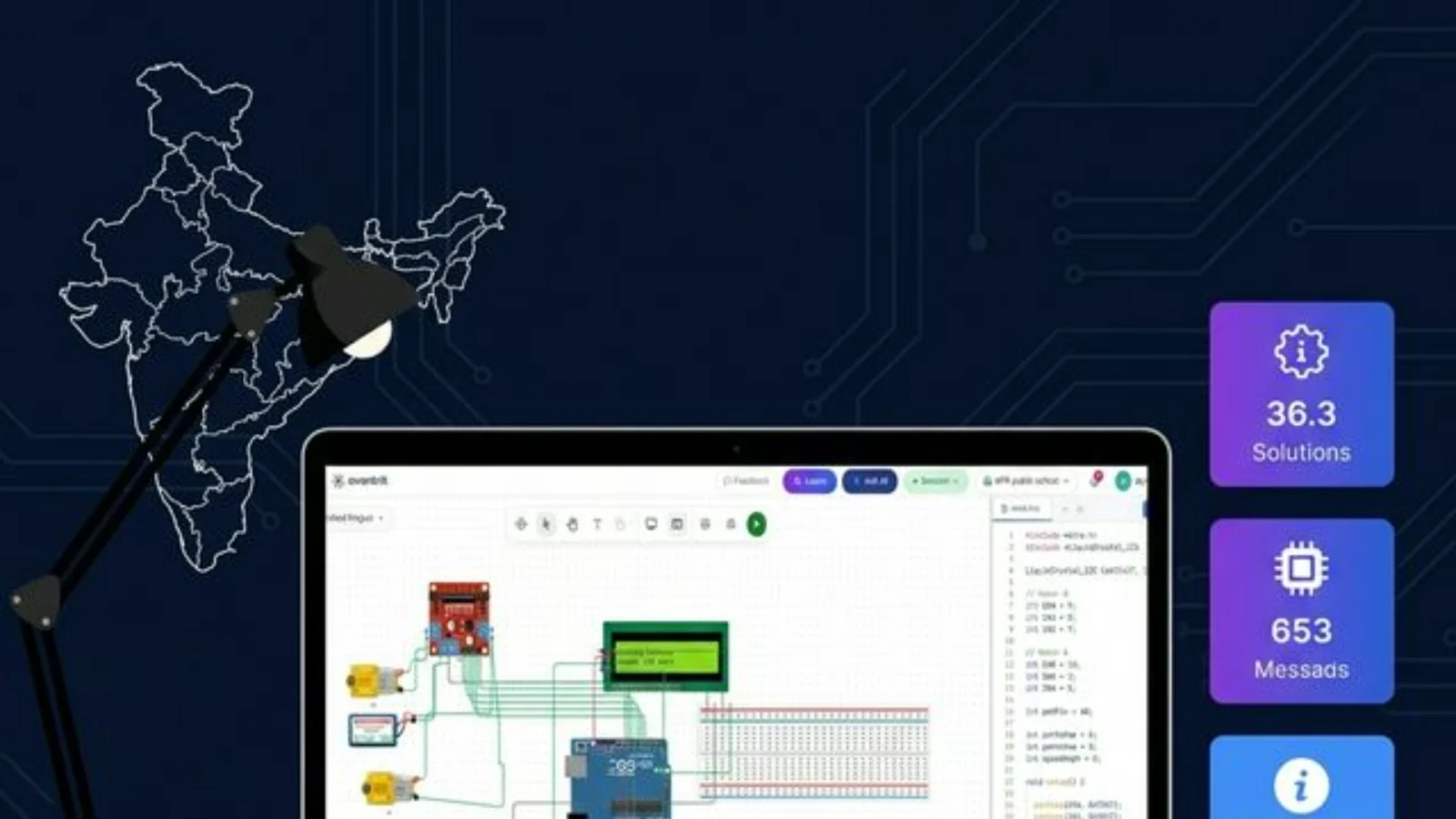
Remote electronics teaching isn't a compromise — it's an upgrade. With the right virtual lab platform, Indian teachers are running richer experiments, eliminating hardware failures, and reaching students regardless of geography. This guide covers what works, what doesn't, and what to prioritize in 2026.
How can Indian teachers teach electronics without a physical lab?
Indian teachers can teach electronics remotely using browser-based virtual lab platforms like Ayantrik, which simulate real components — resistors, capacitors, Arduino boards, op-amps, and logic gates — with zero hardware. Students connect from any device; teachers share live simulations, assign experiments, and track submissions entirely online.
Why Physical Labs Fall Apart in Remote Settings
Traditional electronics pedagogy rests on one assumption: teacher and student share the same bench. When that assumption breaks — during holidays, remote semesters, or infrastructure shutdowns — the entire delivery model collapses. Screenshots replace oscilloscopes. Pre-recorded videos replace hands-on wiring. Students submit guessed results they never actually measured.
This is a tooling problem, not a teaching problem. The curriculum doesn't need to be watered down — the hardware dependency needs to be removed.
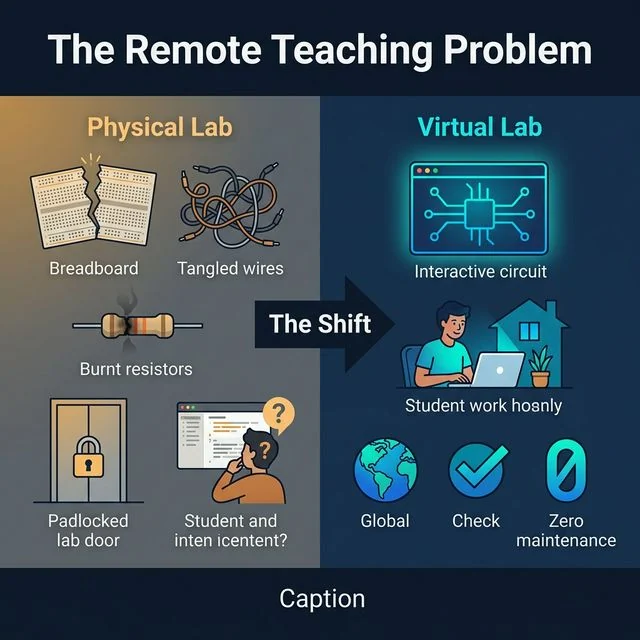 Comparison infographic: Traditional physical lab setup vs. browser-based virtual lab for Indian classrooms
The shift from a hardware-bound bench to a fully browser-accessible virtual environment — accessible from any location in India. (Disclaimer: Visual synthesized using AI tools to represent the core concept.)
Choosing the Right Platform
Not all virtual lab tools are built for Indian college curricula. Free tools like Tinkercad are designed for K-12 hobbyists. LTspice is powerful but has a steep learning curve and no collaborative or assignment features. Indian engineering colleges need something different.
| Capability | Tinkercad | LTspice | Ayantrik |
|---|---|---|---|
| Target Level | K-12 / Hobbyist | Research / Advanced | Engineering College |
| Browser-Based | ✅ | ❌ | ✅ |
| Component Depth | Basic | High (SPICE) | High (49+ components) |
| Student Assignment Workflow | ❌ | ❌ | ✅ |
| Indian GST Invoicing | ❌ | ❌ | ✅ |
| Local Server Performance | ❌ | N/A | ✅ |
The critical non-negotiables for Indian institutions: browser access with no installation (for low-spec college laptops), local server hosting (for tier-2/tier-3 connectivity), and GST invoicing (for institutional procurement).
What Becomes Possible That Wasn't Before
Moving to a virtual lab isn't just replicating what happened in the physical lab — it opens teaching modes that were previously impossible.
Intentional failure as a learning tool. In a physical lab, a burnt component is a setback. In a virtual lab, it's a demonstration. Showing students what happens when a capacitor is connected backwards, or when a transistor exceeds its rating, builds diagnostic intuition without damage or delay.
Freeze-frame teaching. Pausing a live simulation mid-waveform during a video session — then asking students why the voltage at a specific node is 4.7V instead of 5V — is simply not possible with physical oscilloscopes. This technique dramatically improves conceptual depth.
Simultaneous class-wide experiments. Rather than 30 students watching one bench demonstration, every student runs the same circuit in parallel and compares outputs. Variations become data, not confusion.
Flipped experiments. Share a pre-wired circuit file before class. Ask students to predict outputs before the session. Use class time to verify, interrogate anomalies, and push into edge cases.
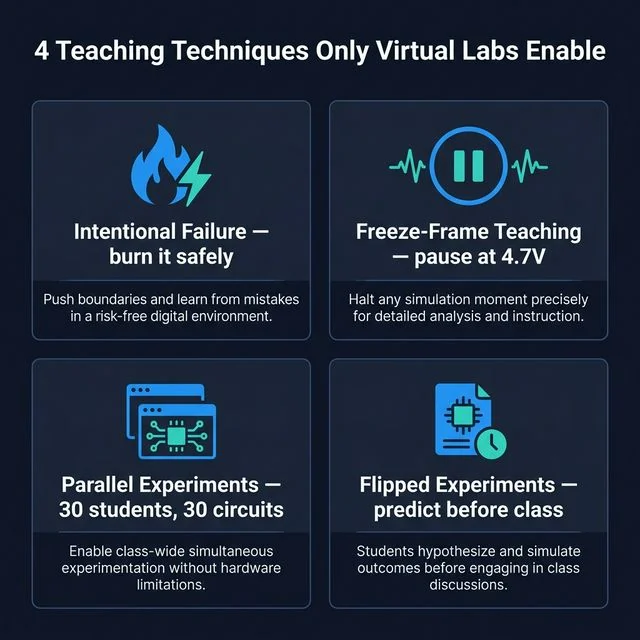 Infographic showing 4 remote teaching techniques enabled by virtual labs: intentional failure, freeze-frame, parallel experiments, flipped classroom
Four teaching techniques that become available when hardware constraints are removed. (Disclaimer: Visual synthesized using AI tools.)
Assessment Without Screenshots
A student submitting a screenshot of a working circuit proves nothing — it could have been copied from anywhere. Effective remote assessment requires a different approach.
Circuit file submission is more reliable than screenshots. The actual project file exposes every component value, connection, and methodology. A copied screenshot can't reveal whether the student used the correct resistor or just wired it until it looked right.
Deliberate fault diagnosis is the most robust assessment method: send students a circuit with a hidden fault — a wrong resistor value, an incorrect connection — and ask them to identify and fix it within a set time. This tests understanding, not memorization, and is nearly impossible to guess or copy.
Live screen-share vivas work well for practical assessment: ask the student to share their screen with the simulation open, then give verbal instructions in real time ("increase R2 by 10kΩ — what happens to the output voltage?"). Takes 5 minutes per student and reveals understanding immediately.
Connectivity and the Indian Context
Bandwidth is not equal across India, and a remote teaching strategy that works in Bengaluru must also work in a tier-3 college with 10 Mbps shared Wi-Fi. This is where platform choice becomes decisive.
International tools with heavy 3D rendering or cloud-only architectures perform poorly under low-bandwidth conditions. Ayantrik's localized server infrastructure keeps simulation data from round-tripping to international servers, significantly reducing latency for students in smaller cities.
Practical guidance for low-bandwidth classrooms:
- Run class audio-first, video optional during hands-on segments — bandwidth should go to the simulation, not the webcam
- Record experiment walkthroughs and share asynchronously for students with connectivity gaps
- Test your session plan on a mobile hotspot before class; if it runs cleanly at 4G speeds, it will run on any college Wi-Fi
AICTE, NBA, and Why This Matters for Accreditation
Remote lab adoption isn't just a teaching convenience — it actively improves institutional compliance standing. AICTE and UGC have explicitly mandated the integration of virtual labs into engineering curricula. Adopting a platform like Ayantrik creates a documented, auditable digital lab record that supports:
- NBA Criterion 3 — Course Outcomes and Program Outcomes mapping
- AICTE Virtual Lab Mandate — Compliance documentation for digital lab adoption
- NIRF Digital Infrastructure Reporting — Evidence of technology-enabled learning environments
Physical lab registers cannot produce the kind of timestamped, per-student experiment trail that a virtual platform generates automatically.
Frequently Asked Questions
Can students use virtual labs on a mobile phone? Yes. Browser-based platforms like Ayantrik run on any device with a modern browser, including Android smartphones — critical for students at home without laptop access.
Are virtual lab experiments accepted for lab records and marks? On an AICTE-recognized platform, yes. The institution specifies in its lab manual that virtual submissions are accepted. Many affiliated universities (Anna University, VTU, SPPU) have already issued guidelines permitting this.
How do I prevent students from copying each other's circuits? Use deliberate fault assessment, or assign each student a slightly different component value (R1 = 1kΩ for Roll No. 1, R1 = 1.2kΩ for Roll No. 2). Results will differ, and any identical submission is immediately identifiable.
What Internet speed does Ayantrik require? A stable 2 Mbps connection is sufficient. With local server routing, even lower speeds are often adequate for standard simulation tasks.
Further Reading
- AICTE Virtual Labs Policy — Official Mandate — Government directive on digital lab adoption requirements for technical institutions
- UGC Guidelines on ICT-Based Teaching — Framework covering virtual lab acceptance in affiliated universities
- NBA Accreditation Manual — Criterion 3 — How Course Outcomes map to virtual lab evidence requirements
- Ayantrik Component Library Reference — Full list of simulated components mapped to common Indian university syllabi